Step 1: The Read me tab
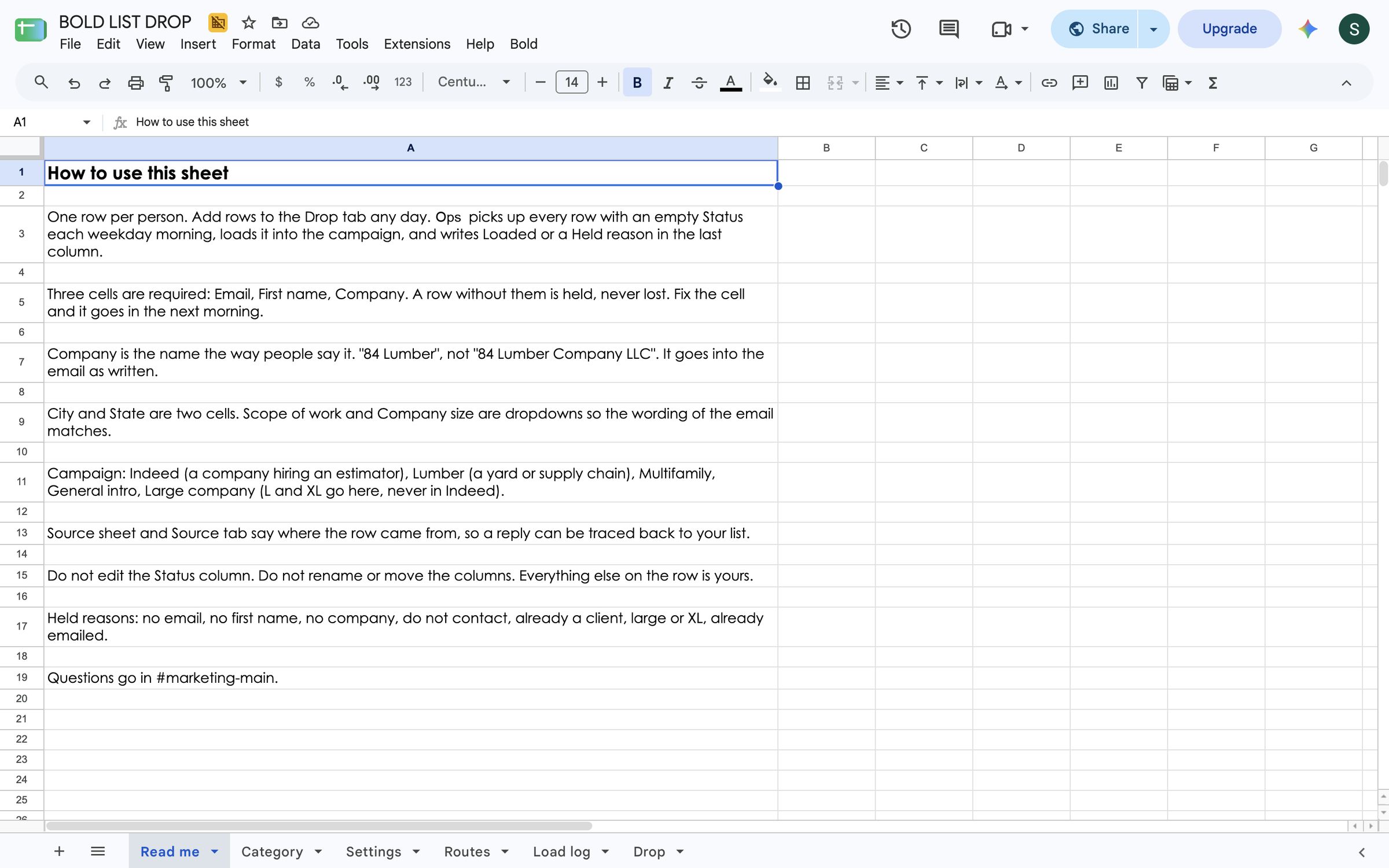
The Read me tab holds the sheet's rules on one page.
 Full size

No guides found
Guide 11 of 13 · Our docs · Google Sheets
Updated Sep 30, 2026
BOLD LIST DROP is the Google Sheet where the team adds the people Bold should email, any day, one line per person. Each weekday morning the ready lines go into their campaign. This guide shows the tabs and the few rules that keep a line from being held.
The narrated video of this guide is in the library: https://campus.boldestimations.com/video/docs-list-drop-sheet.mp4
Screens recorded Sep 30, 2026 in Bold Estimation's Zapmail, Instantly and Google accounts. Names, email addresses and phone numbers of real people are replaced with placeholders or blurred, and typed examples are made up. If a screen looks a little different, the tool has updated: find the same label nearby.
The Read me tab holds the sheet's rules on one page.
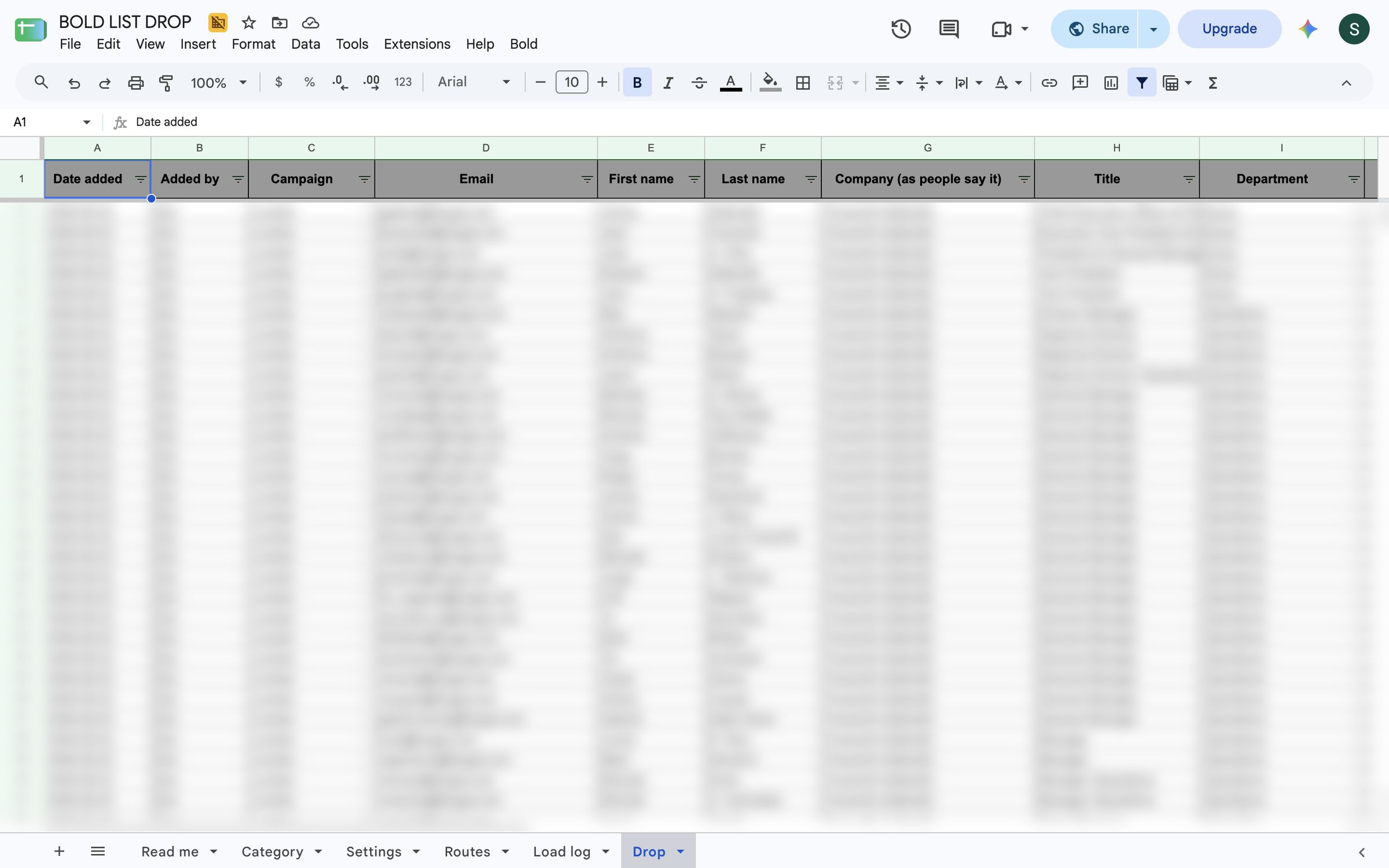
Full sizeOpen the Drop tab and add one line per person. Email, First name and Company are required. Write the company the way people say it, like 84 Lumber.
 Full size
Watch out. Leave the Status column empty, and never move or rename a column. Each weekday morning the ready lines load into their campaign and Status turns to Loaded, or to a Held reason like no email or already emailed. A held line is never deleted: fix the cell and it loads the next morning.
The Bold menu at the top holds the sheet's own buttons. Check rows marks each new line ready or held, and sends nothing.
 Full size
Watch out. Load ready rows and the daily load switch put real people into a campaign. Only the person who runs the campaigns uses them.
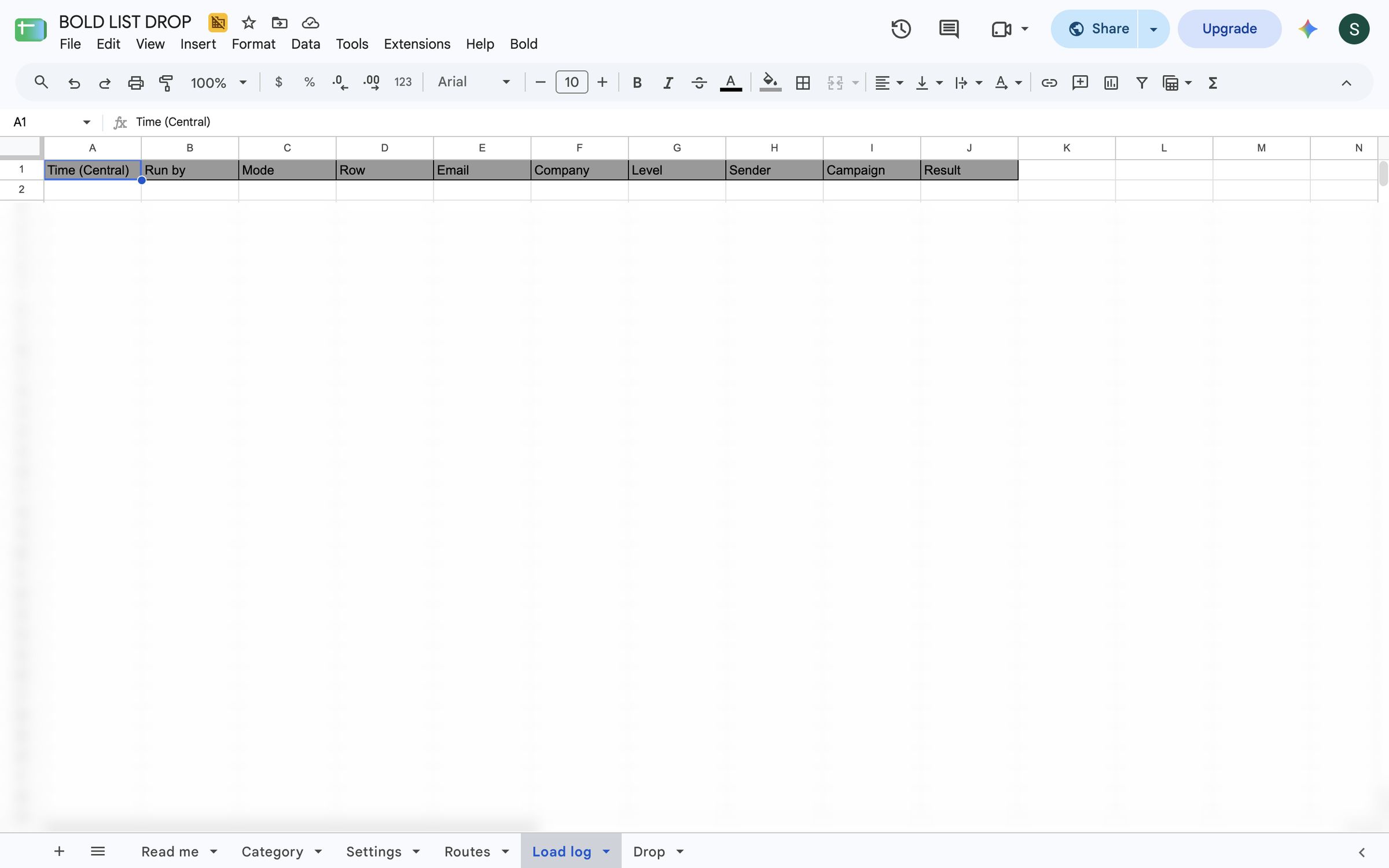
Load log keeps a line for every load, and nobody edits it. Category, Settings and Routes belong to whoever runs the campaigns. Leave them as they are.
 Full size
Not started