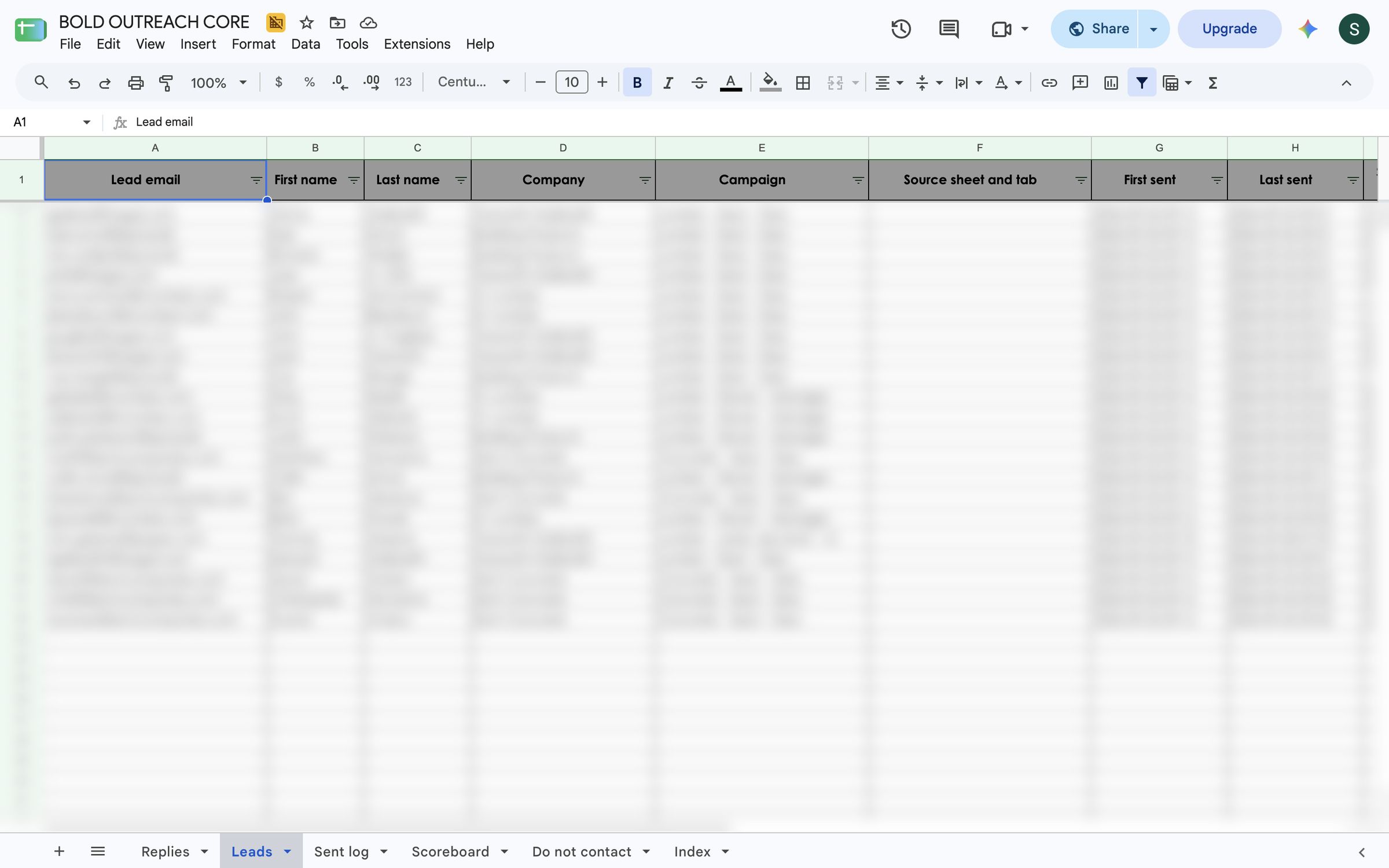
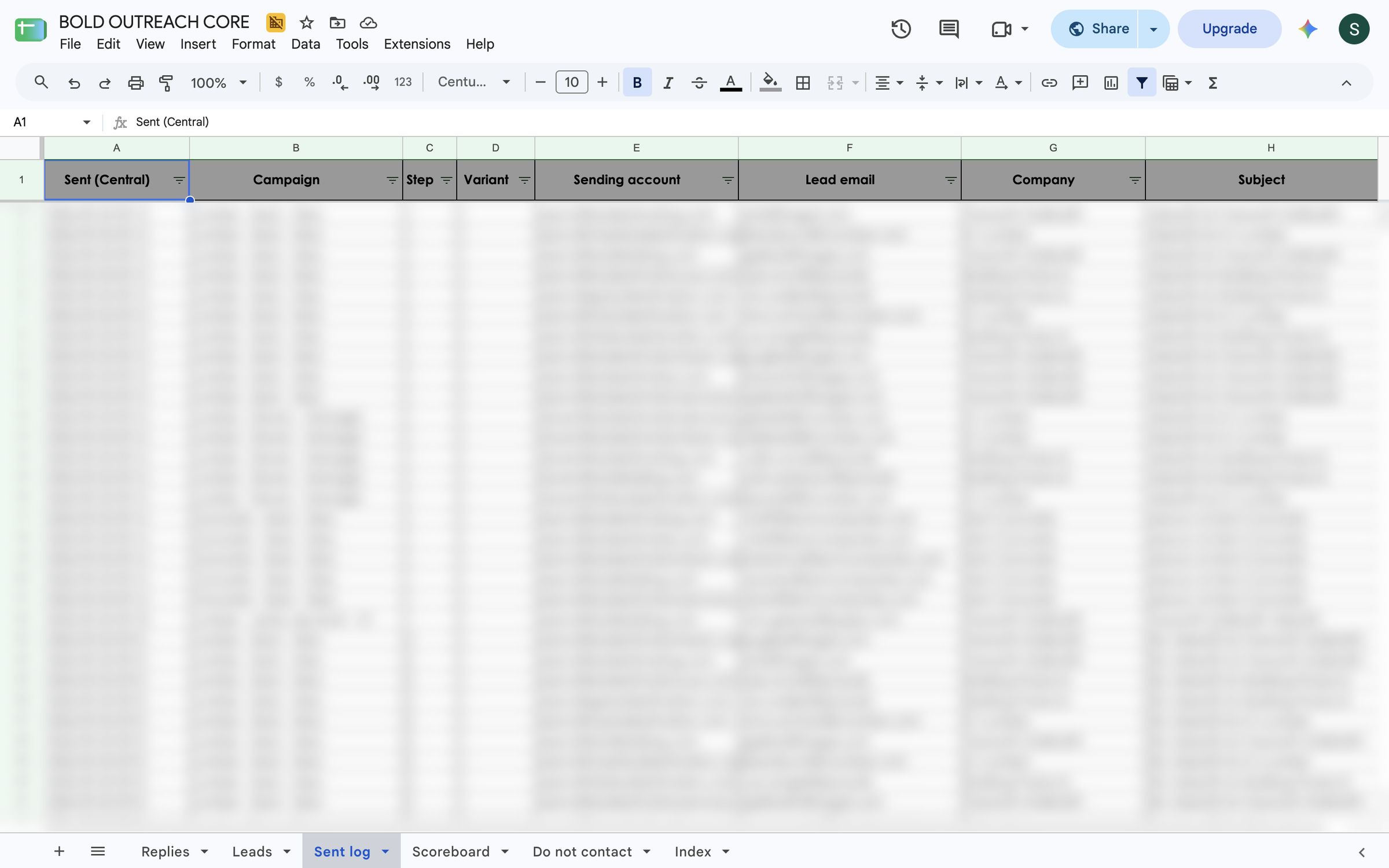
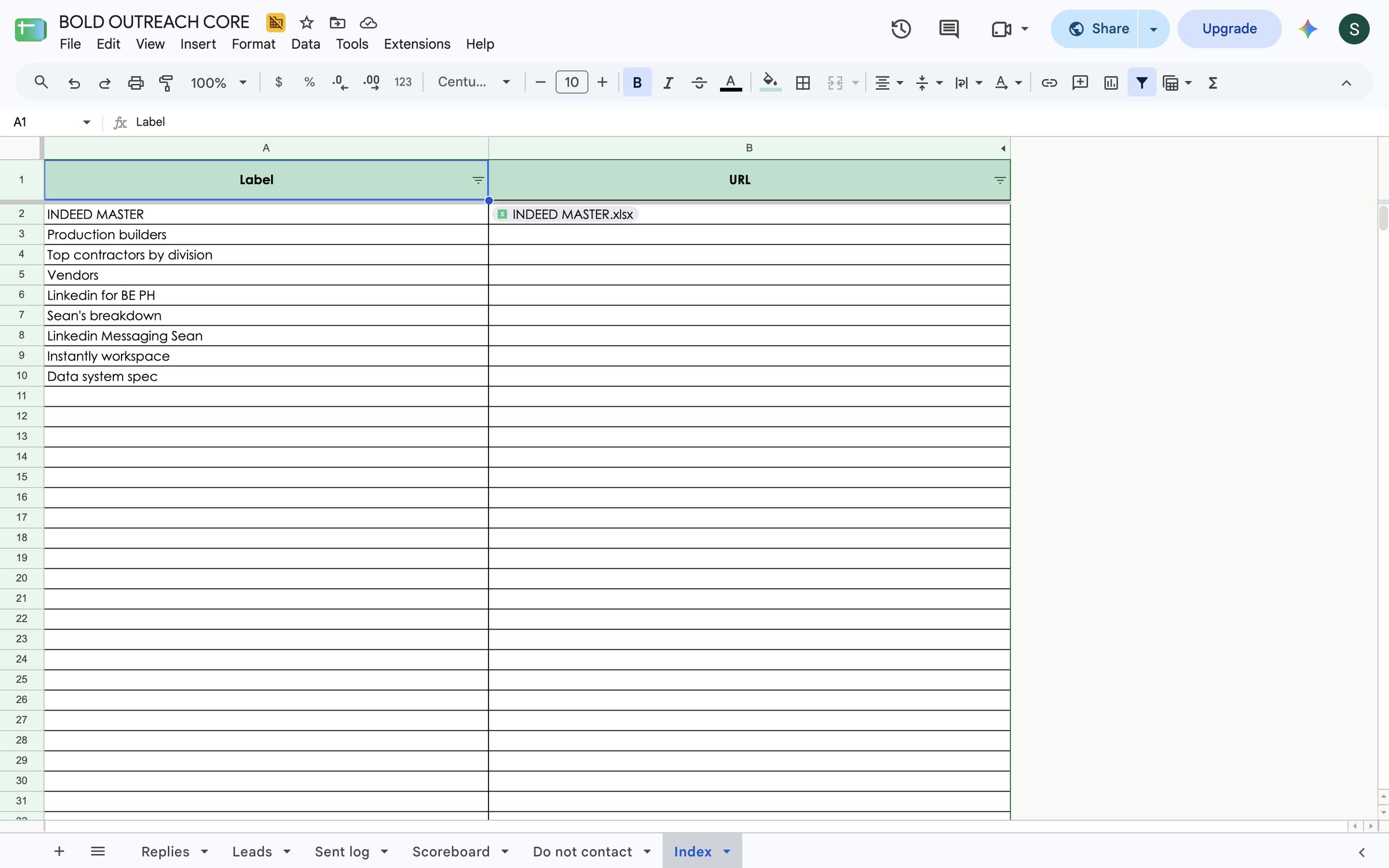
BOLD OUTREACH CORE fills itself in from Instantly within seconds: every email sent, every reply, and a scoreboard per campaign. The team works from its Replies tab and adds to Do not contact; the tracker fills in the rest.
6 steps4 min2 watch-outs
Watch it first: the outreach core sheet in one short video
Screens recorded Sep 30, 2026 in Bold Estimation's Zapmail, Instantly and Google accounts. Names, email addresses and phone numbers of real people are replaced with placeholders or blurred, and typed examples are made up. If a screen looks a little different, the tool has updated: find the same label nearby.
1
Step 1: Replies
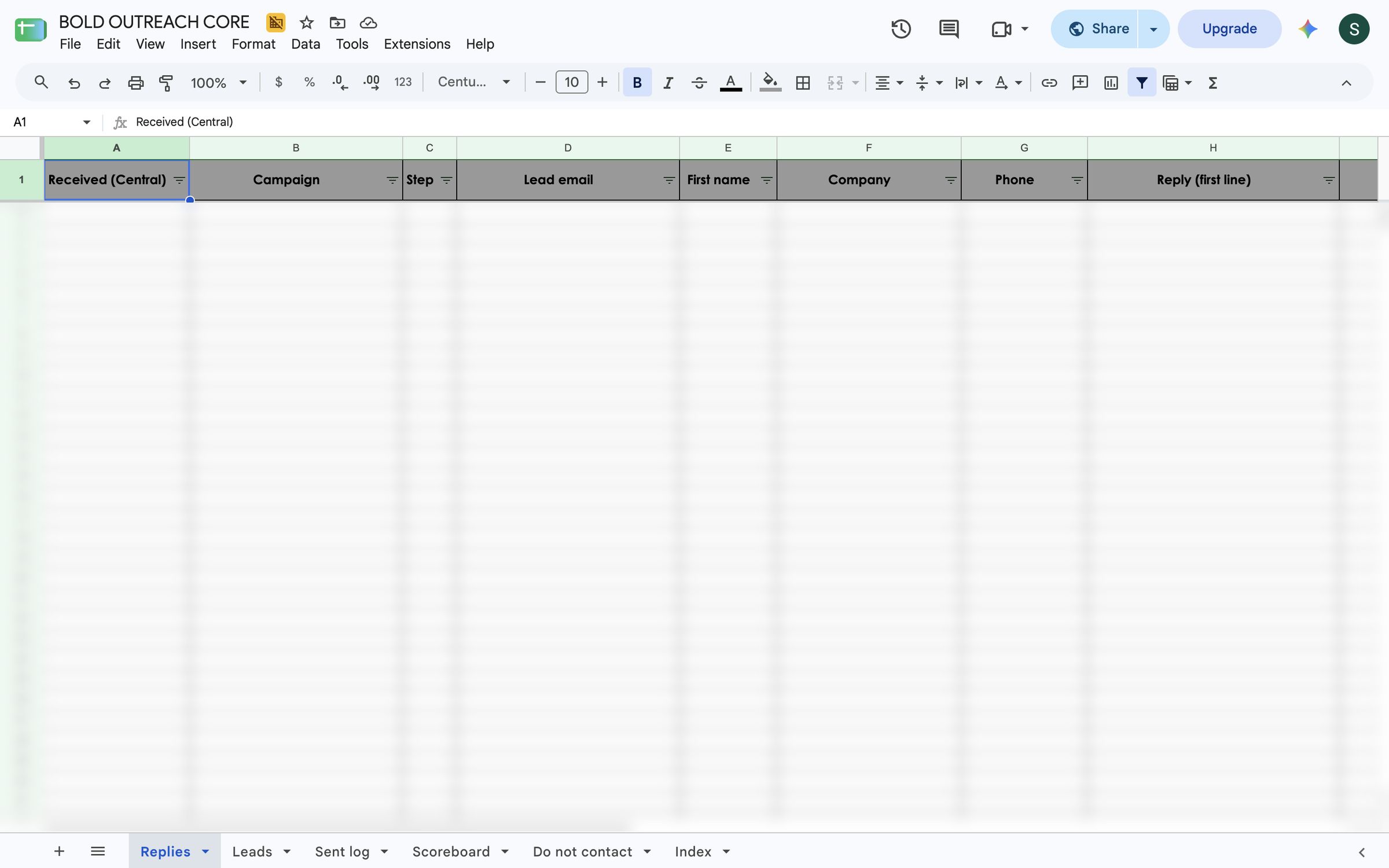
Replies gets one line per reply, newest on top, with the person's phone number and what they wrote. You fill in the last five columns: owner, next action, called, outcome and notes.
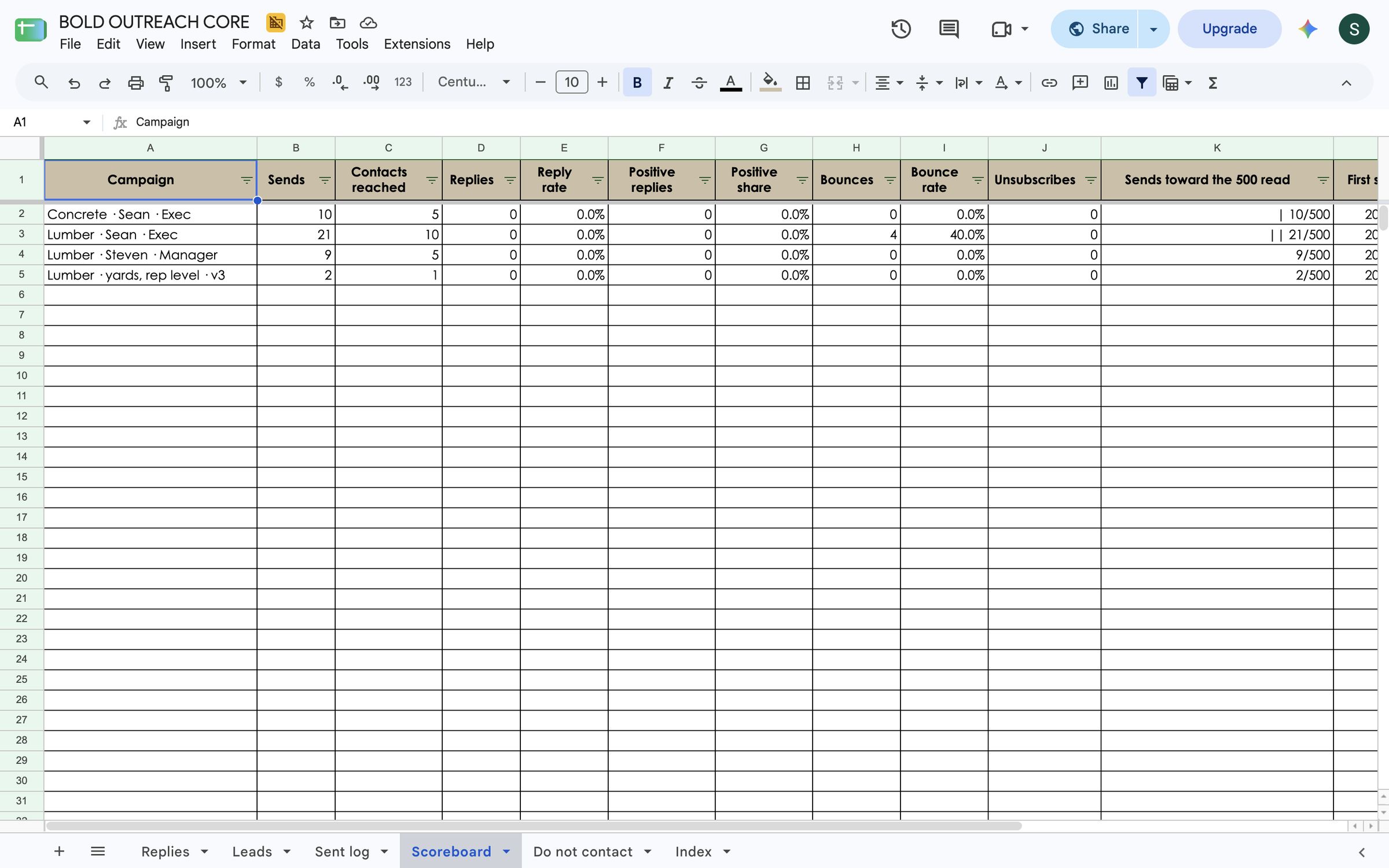
Scoreboard adds it up per campaign: emails sent, replies, bounces and the bounce rate. Here one campaign shows a bounce rate of 40 percent, far over the limit of two.
Watch out. A bounce rate over 2 percent means the list had bad addresses. Pause that campaign in Instantly and check where its list came from before it sends again.
5
Step 5: Do not contact
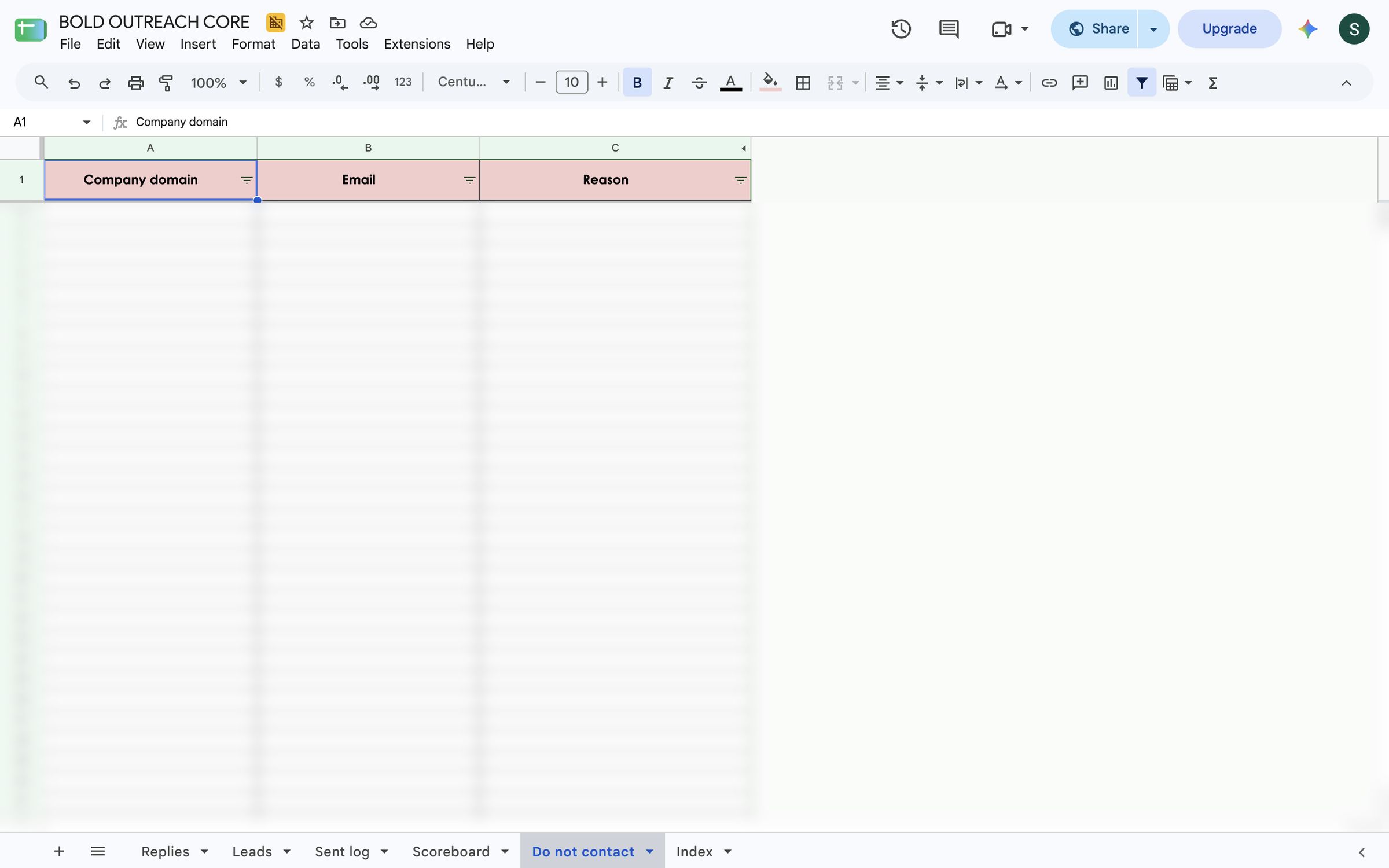
Do not contact is for current clients, past clients and anyone who said no. Add a company here when it asks not to be emailed, and every future list skips it.
Type only in those last five columns. The tracker writes the others, and a changed cell can break the line it belongs to.
A bounce rate over 2 percent means the list had bad addresses. Pause that campaign in Instantly and check where its list came from before it sends again.

 Full size